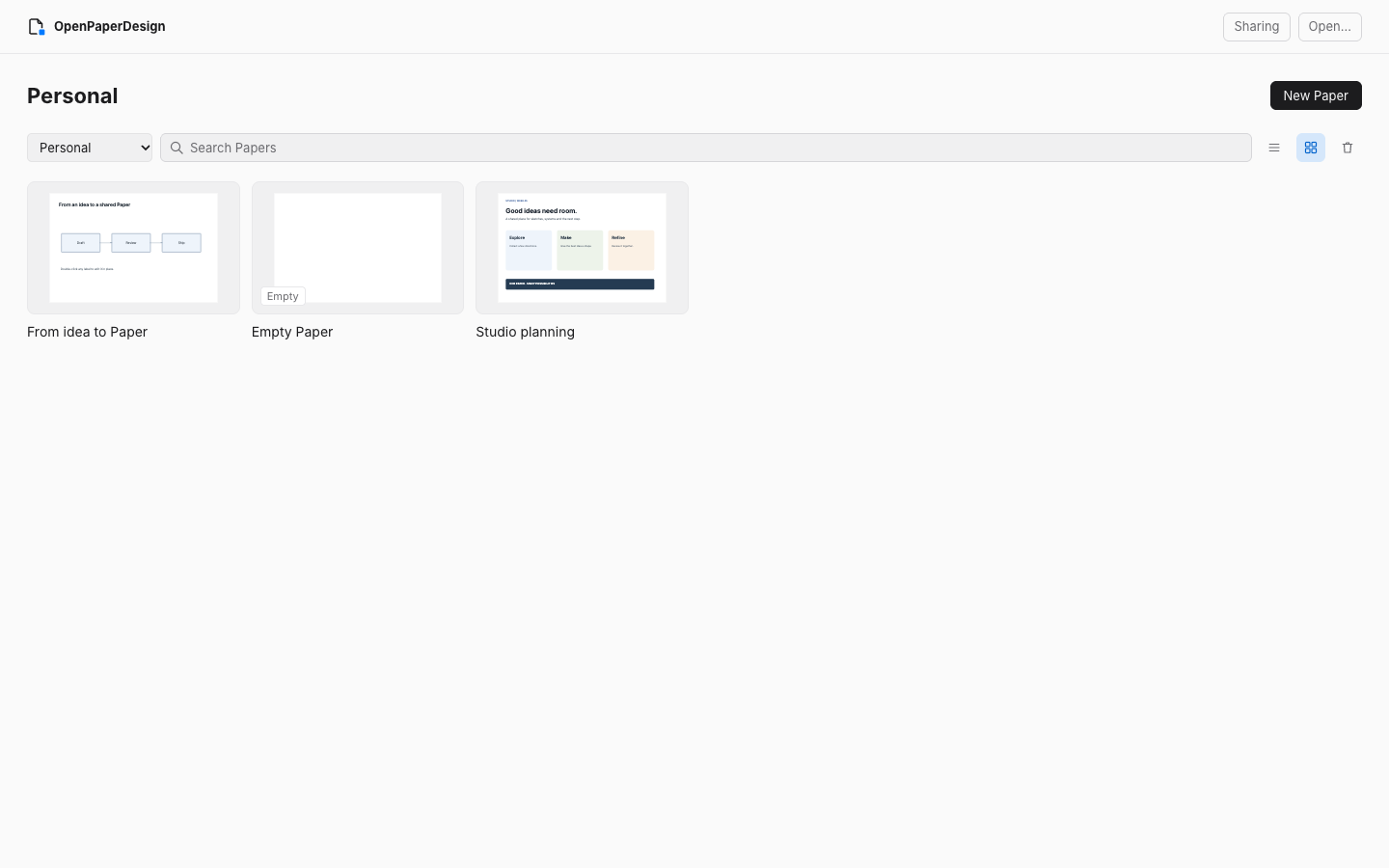
Start from Home.
Home opens your Personal library. Switch to a project library or see every Paper, rename one, show it in Finder or move it to Trash and restore it later.
Design a screen, map a system or sketch an idea in an editable canvas, beside Codex or Claude Code. A free, open-source plugin that keeps your work on your computer.
Requires Node.js 22 or later. No subscription. No account needed for local use.
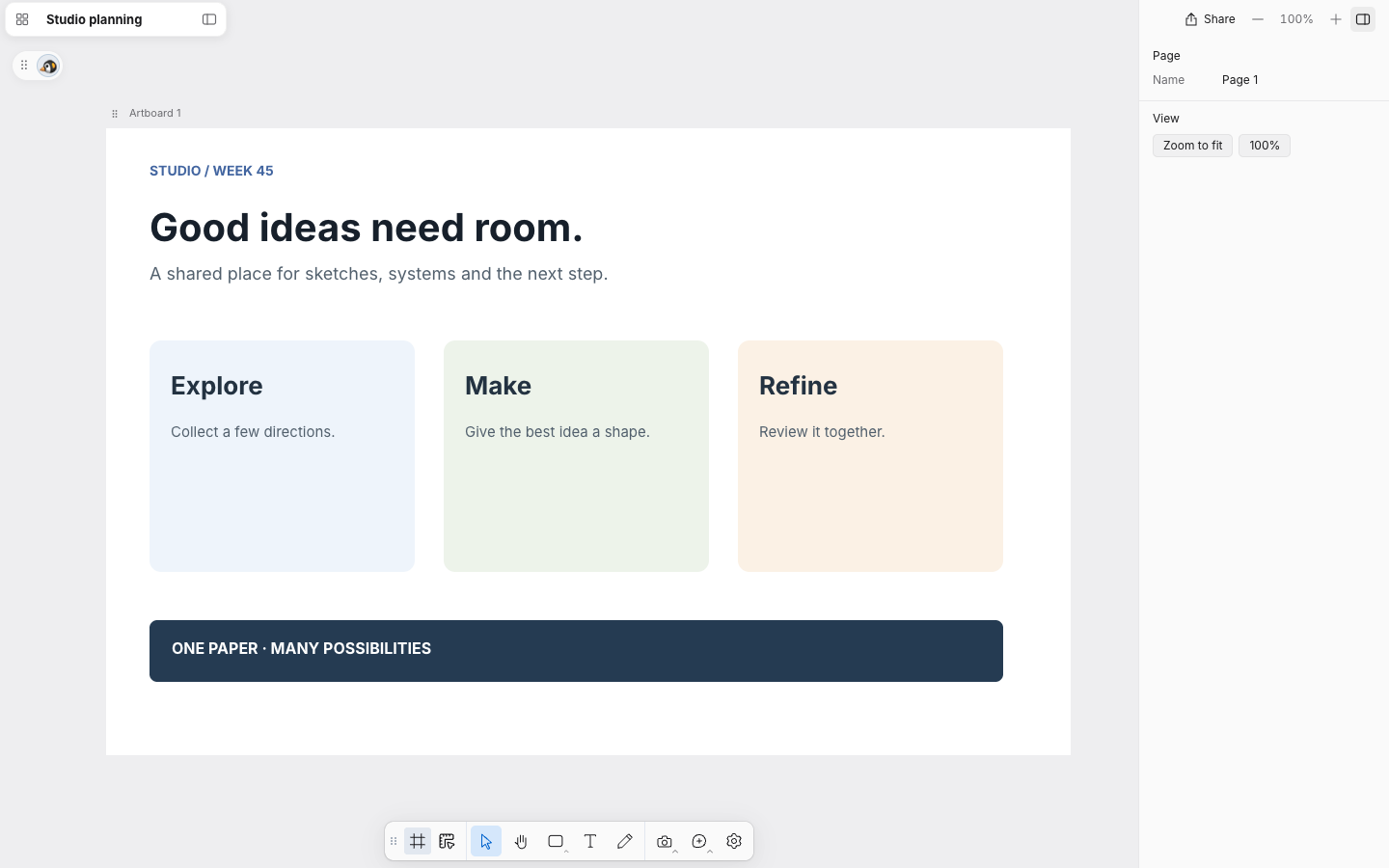
These are browser/plugin development previews.
One canvas. Room to think.
Keep the layout, the system and the notes together as editable Papers that you and your agent both work on.
Home opens your Personal library. Switch to a project library or see every Paper, rename one, show it in Finder or move it to Trash and restore it later.
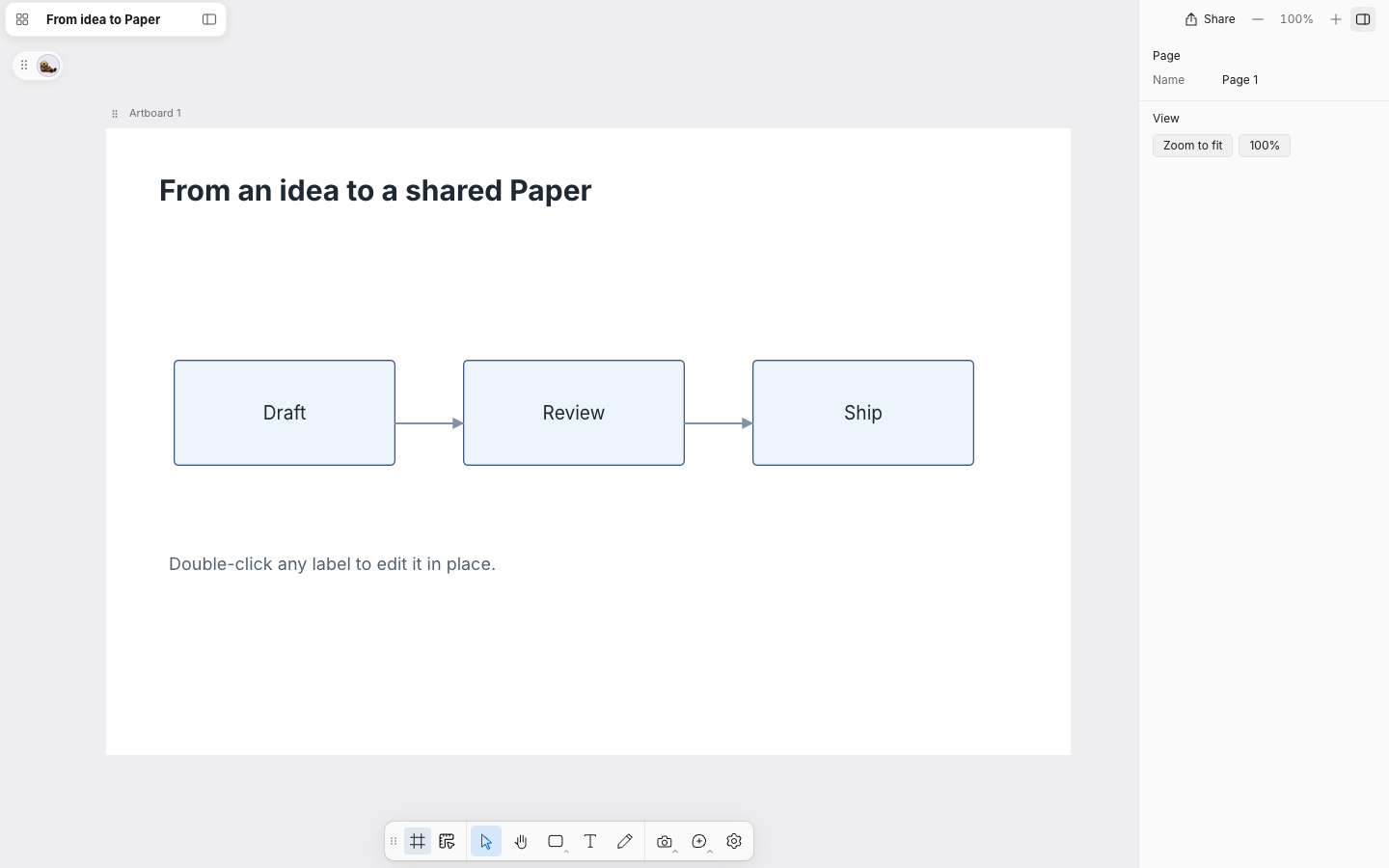
Library symbols cover common flowchart, C4, UML-style, BPMN-style, entity-relationship, infrastructure and Kubernetes diagrams. Connectors stay attached as you move things. These are working sketches, not formal modelling tools.
Frames, shapes, text, freehand strokes and images, with a DESIGN.md guide beside each Paper. Switch to Inspect for measurements and feedback.
You + your AI agent
Ask Codex or Claude Code to create a Paper, revise a design or draw a diagram. Through the plugin’s local tools your agent reads and saves the same Paper you edit by hand. A save based on an out-of-date version is refused rather than overwriting your work.
Install and connect an agent ↗ Codex
 Claude Code
Your files stay yours
Each Paper is a folder of editable files on your computer. Personal Papers live in your user data folder and project Papers in the project’s Paper folder, never inside the plugin cache. Updating or removing the plugin leaves them in place.
Export selected artwork as PNG or HTML, the layers as JSON, or the whole Paper as a .paper.zip. Sharing is optional: invite someone on your local network, or create a temporary Internet link that needs the optional cloudflared tool and your computer to stay on.
Store complete snapshots in Notion. Reopen a snapshot as a local Paper with its editable layers and assets. Changes made elsewhere are checked before updates.
Why I built this
I wanted somewhere to sketch systems and design interfaces with an AI agent, without paying for another design tool.
I built OpenPaperDesign for my own projects: a place to design interfaces, explain systems and work through ideas with an agent. You can use it, change it and make it part of your own workflow.
Gustav Anderson · gustavonline ↗Free & open source
OpenPaperDesign is a plugin for Codex and Claude Code. It requires Node.js 22 or later.
codex plugin marketplace add gustavonline/openpaperdesign
codex plugin add openpaperdesign@openpaperdesign
If Codex asks you to reopen it, do so, then open OpenPaperDesign in the sidebar.
/plugin marketplace add gustavonline/openpaperdesign
/plugin install openpaperdesign@openpaperdesign
/openpaperdesign:home
The Home command opens the dashboard in your browser.
Or paste this prompt into your coding agent.
Help me install OpenPaperDesign from https://github.com/gustavonline/openpaperdesign. Check that Node.js 22 or later is available, follow the README installation steps for my coding tool, and open OpenPaperDesign Home.The plugin installs from the repository’s marketplace. Preview.17 is available as a packaged plugin archive with a SHA256 checksum on the releases page.